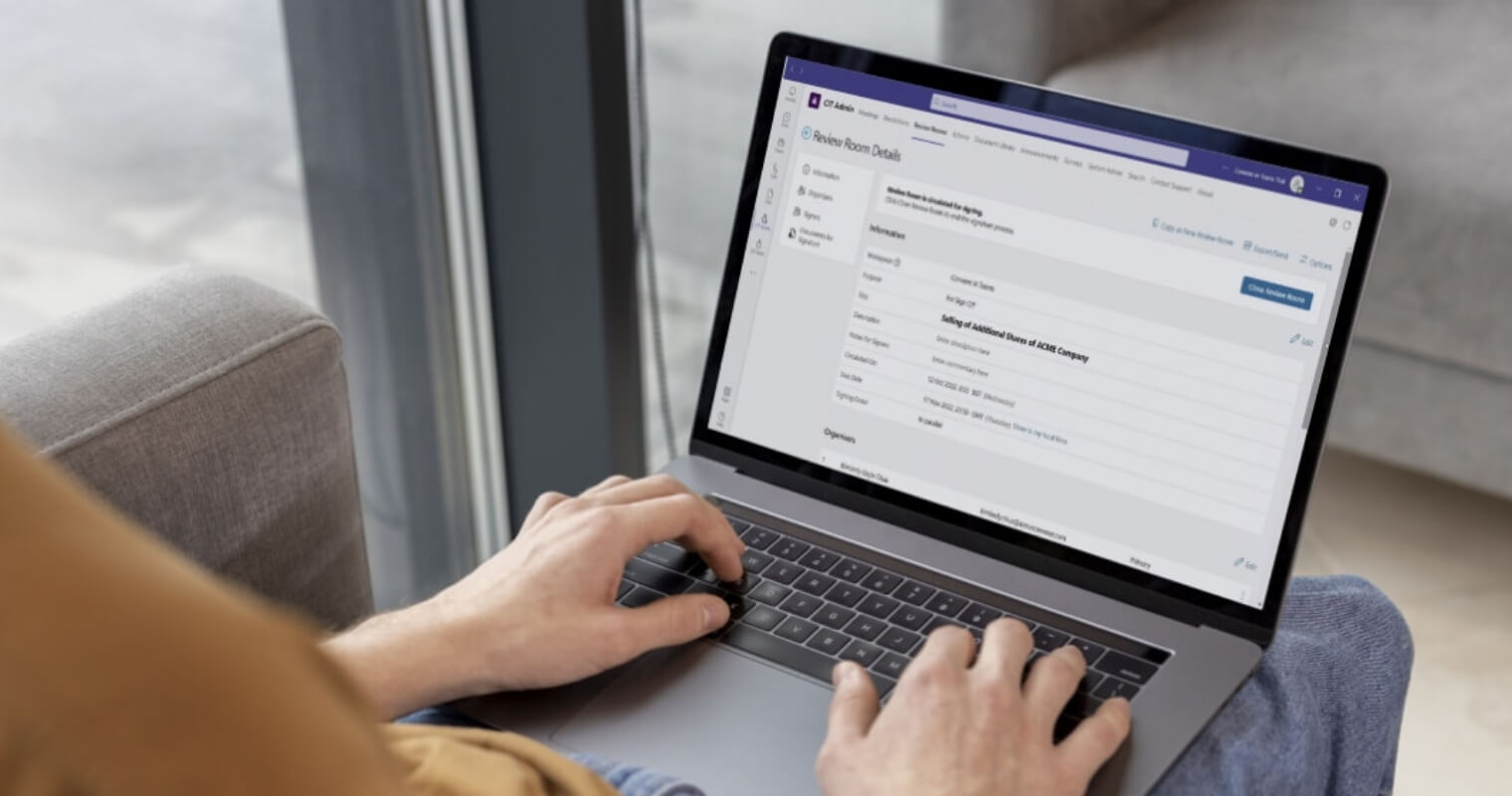



Effective board meetings depend on every member of the board of directors being on the same page, quite literally, at every moment. When board members are reviewing different sections of board papers or when a non-executive director joining a virtual meeting is three slides behind the room, it results in less clarity.
Page syncing and live annotation tools address this directly. Built into modern board meeting software, they are transforming how boards engage with meeting materials during sessions.
What is page syncing and how does it work in a board pack?
Page syncing is a feature that allows the meeting chair or company secretary to control which page or document all attendees are viewing simultaneously. When the facilitator moves to a new agenda item or turns to a specific exhibit in the board pack, every board member’s screen updates in real time, whether they are in the boardroom or joining remotely.
This results in a shared visual experience that mirrors the natural flow of an in-person meeting. There’s no need for the meeting chair to announce what page to turn to and wait while participants scroll to find the right page.
Live annotations allow board members to mark up meeting materials during a session and have those markings visible to other participants in real time. This might include highlighting a line in a financial report, circling a figure that warrants further scrutiny, or adding a comment beside a risk register entry.
Rather than relying on memory or notes that rarely survive the meeting room, annotations create a visible, shared record of what the board focused on and why. They also encourage more active engagement with the materials, particularly for members who prefer to process information visually.
Why does real-time alignment matter for a board of directors?
Boards operate under time pressure, and a typical board meeting runs for a few hours, during which board members are expected to scrutinise complex board papers, weigh strategic planning options, and arrive at well-reasoned, informed decisions. Board members should be as focused as possible during these meetings.
When the meeting chair no longer needs to manage where people are in the board pack, they can focus entirely on facilitating the discussion. Members, in turn, can give their full attention to the content instead of looking for the right page.
With live annotations, when a board member flags a specific paragraph or number, others can immediately see the reference point. This reduces ambiguity and keeps the discussion grounded in the actual material, which is particularly valuable when working through agenda items that carry fiduciary duty implications.
How do these tools support hybrid board meetings and remote members?
The shift towards hybrid board meetings has made real-time alignment tools far more consequential. A remote member relying on a video call and a separately downloaded PDF puts the board at a disadvantage. With page syncing, every participant sees exactly what the meeting chair is presenting at any given moment, creating a shared focus.
Live annotations extend the same benefit to remote engagement. Rather than asking a remote member to describe verbally where in the board pack their question relates to, they can simply mark it. This creates fluid conversation, and no board member is accidentally sidelined because of how they are joining the meeting.
For both public bodies and private companies, this is important as boards embrace more flexible working arrangements while still needing to make high-stakes strategic decisions together.
What governance benefits do annotations provide beyond the meeting itself?
There is a practical governance benefit that extends well beyond the day-to-day running of the meeting. Annotations made during a board session can serve as a record of which agenda items attracted the most scrutiny, where board members had concerns, and what prompted certain decisions. This supports a clearer audit trail and makes the task of producing accurate minutes more straightforward for the company secretary.
Good board meeting software will also support version control of board papers, ensuring that annotations are always tied to the correct document. When materials are updated between circulation and the meeting itself, version control prevents the confusion of members working from different drafts.
How does AI-powered board software enhance meeting preparation?
Beyond real-time collaboration during the meeting itself, AI-powered board portals are now beginning to support the meeting preparation phase as well. Intelligent tools can surface key themes across documents and flag sections that may require closer attention from the meeting chair before the session begins.
This means that by the time the board of directors convenes, both the chair and individual board members are more prepared to ask sharper questions and use the meeting time for the informed decision-making that the long-term health of the organisation depends on.
How does Convene keep your board of directors on the same page?
Convene gives boards of directors the tools to run more effective board meetings, whether in person, remote, or hybrid. From version-controlled board packs and a built-in Agenda Builder to real-time page syncing and live annotations, everything your board needs is in one place.
Book a demo to see how Convene can transform your board.
FAQs
What is page syncing in board meeting software?
Page syncing is a feature that allows the meeting chair or company secretary to control which page of the board pack all attendees are viewing at the same time. This keeps all board members on the same page regardless of whether they are attending an in-person meeting or joining a hybrid board meeting remotely.
How do live annotations improve board meetings?
Live annotations allow board members to highlight, circle, or comment on meeting materials during a session, with those markings visible to all participants in real time. This creates a shared record of what the board focused on, which is useful for the company secretary when drafting minutes.
Can page syncing and annotations be used in hybrid meetings?
Yes. These features are designed to work equally well for board members attending in person and those joining as a remote member. Page syncing ensures every participant sees the same document at the same time, while live annotations give remote members the same ability to engage with the board pack as those physically present in the boardroom.
How does version control support board meeting preparation?
Version control ensures that all board members are working from the same, most recent iteration of the board pack. This is particularly important during strategic planning cycles, when documents are frequently updated before the meeting. Good board meeting software will link annotations and comments to the correct document version, preventing confusion when materials change between circulation and the session itself.


- Connect:
-